
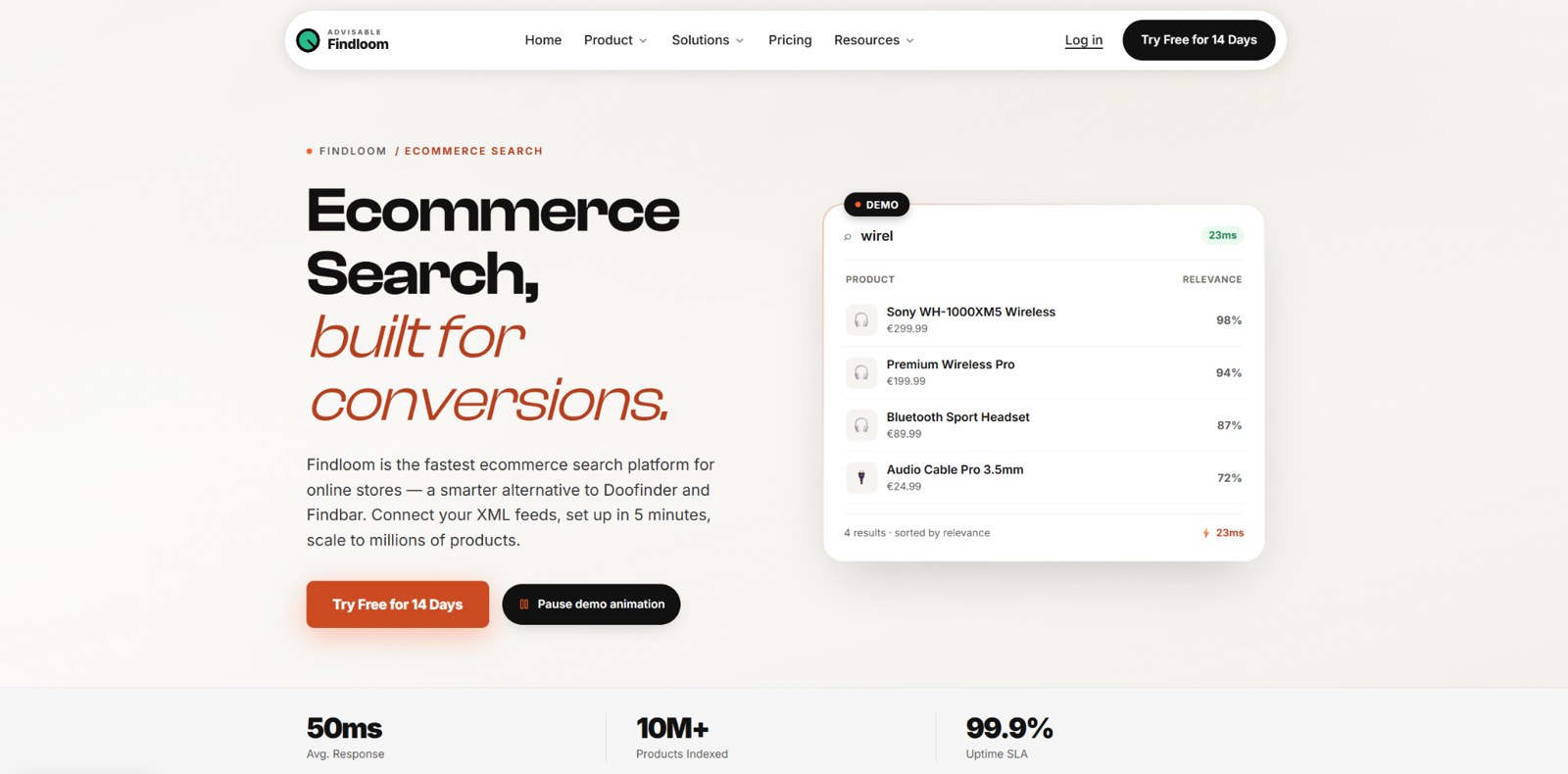
TL;DR: An online store can carry the right product and still fail to sell it because the search engine cannot connect a shopper's words to the catalog. This article explains where ecommerce search breaks and how Findloom, an ecommerce search platform created by Advisable, addresses those failure points with rule-based search, structured product feeds, discovery tools, merchandising controls and analytics.
Search turns intent into action
Site search matters because shoppers use it to state what they want. A Google Cloud commissioned Harris Poll found that 69 percent of US consumers use a retailer's search function, while 63 percent browse the site. Those behaviours can overlap, but the figures show that search is one of the main ways shoppers try to find products.
When consumers considered a search successful, 92 percent reported buying the item they searched for and 78 percent reported buying at least one additional item. After an unsuccessful search, 81 percent of US consumers and 80 percent globally said they were more likely to leave the site and buy the item elsewhere.
The problem is widespread. Baymard Institute's 2026 Ecommerce Search UX benchmark found that 56 percent of the sites and apps it evaluated had a mediocre or worse search experience. The figure was 46 percent on desktop, 58 percent on mobile and 64 percent in apps. Baymard also found that nearly half of ecommerce sites struggle to give shoppers an effective way to recover from a search that returns no results.
Why ecommerce search breaks
A product catalog uses the language supplied by a merchant. Shoppers use their own language. One person searches for a sofa while the catalog says couch. Another enters a product code, a partial brand name or a misspelling. Greek shoppers may switch between Greek and Greeklish or omit accents. If the engine relies on exact text matching, valid products can disappear from the results.
Typing errors are common enough to deserve specific attention. Walmart engineers reported that 13 percent of ecommerce product search queries contain errors. Baymard found that 69 percent of sites do not provide relevant autocomplete suggestions for closely misspelled queries. A single missing character can therefore interrupt the product-finding process before a shopper even submits the search.
Search also fails when the catalog lacks usable structure. Product titles alone rarely contain everything a shopper needs. Category, brand, size, material, price, availability and other attributes must be mapped correctly if the store wants to offer relevant filters and precise results.
Findloom search
Findloom Search combines lexical matching with typo tolerance, did-you-mean suggestions, brand recognition, exact product-code matching and configurable synonyms. For Greek catalogs, it also generates Greek, Greeklish and morphological variants at index time so different spellings can resolve to the same product.
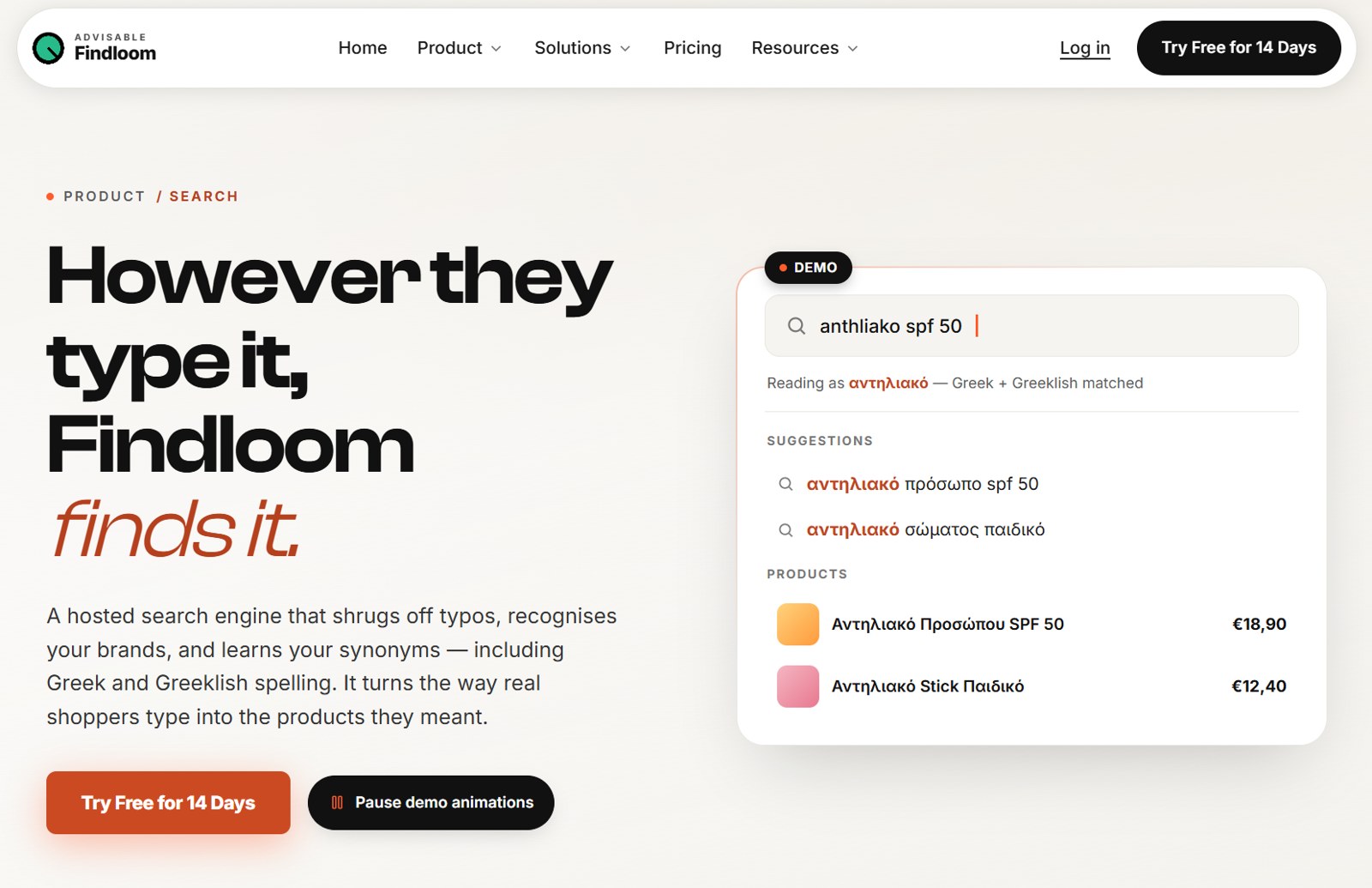
When a strict query finds nothing, Findloom can widen the match in stages. A merchant can require all words, most words, half the words or at least one word. This creates a controlled fallback instead of sending every difficult query directly to a blank page.
Autocomplete returns query suggestions and live product results as the shopper types. Synonym groups can be imported or managed in the dashboard, then ranked by actual usage. Each domain can keep up to 1,000 active synonym groups, subject to plan availability.
The system is deliberately rule based and language aware. It is not vector search, semantic embedding search or LLM-driven query rewriting. That distinction makes its ranking behaviour visible and configurable rather than dependent on a model the merchant cannot inspect.
Product discovery and navigation
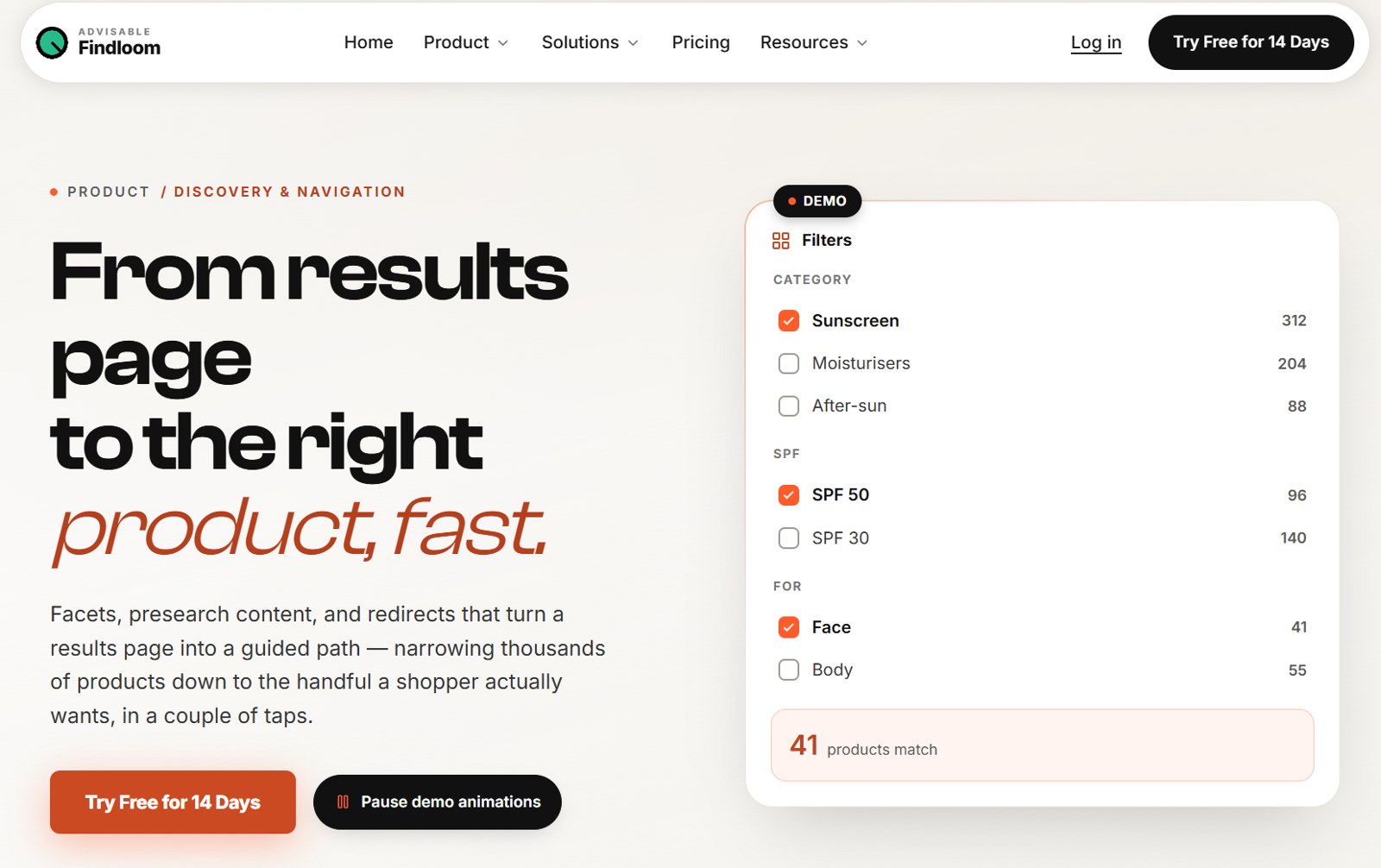
Findloom Discovery and Navigation builds filters from the attributes in the product feed. It supports hierarchical facets for nested categories and disjunctive facets that keep useful option counts visible while shoppers refine results.
Before a shopper types, a presearch panel can show promotional banners, featured products, recent searches and popular searches. Redirect rules can send a known query to a campaign, collection or brand page. A redirect can happen automatically or appear as a suggestion that the shopper chooses.
Quick filters are also present as a beta capability, but Findloom currently describes them as being hardened for wider use. They should not be treated as a finished core feature yet.
Merchandising controls
Findloom Merchandising gives merchants direct control over which matching products receive more visibility. A unified rules system can boost a product or pin it to a chosen position, with a boost value that the merchant can inspect and change.
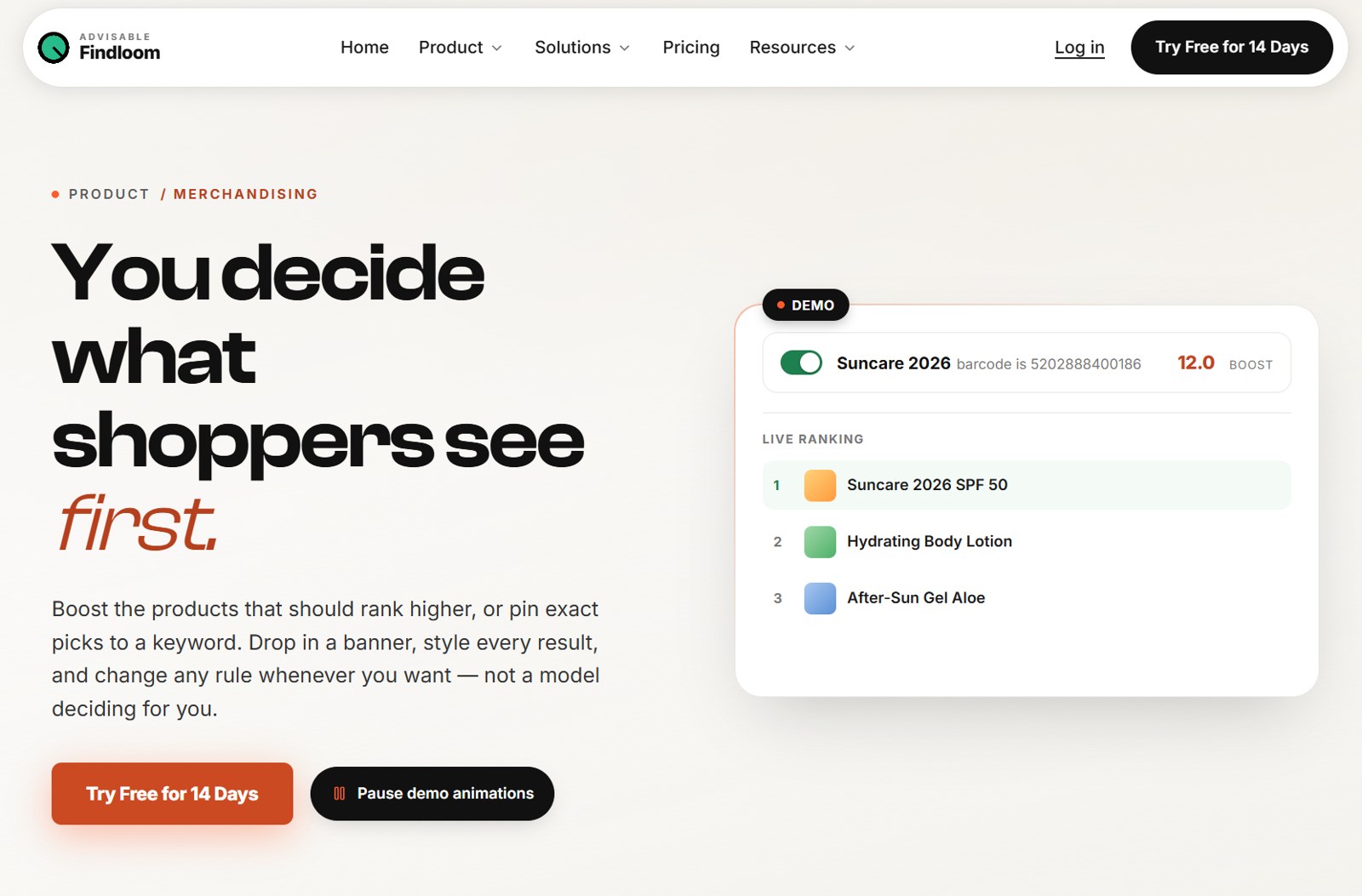
Custom experiences can be triggered by exact, contains or fuzzy keyword conditions. These experiences can include pinned result sets, promotional banners, featured content or mixed carousels. Merchants can also control colours, fonts, card fields and localization labels from the theme builder.
Findloom does not currently market category-page merchandising, a visual merchandising canvas or negative product demotion as confirmed capabilities. The useful promise is narrower and clearer: merchants can tune search results through explicit rules that apply across the hosted page, embedded page and widget.
From feed to live search
Findloom Data Pipeline accepts Google Shopping XML, generic XML, RSS and Atom feeds, including ZIP-compressed feeds. On the first sync, it proposes mappings for fields such as title, price, category and images. Merchants can override those mappings when a feed uses an unusual structure.
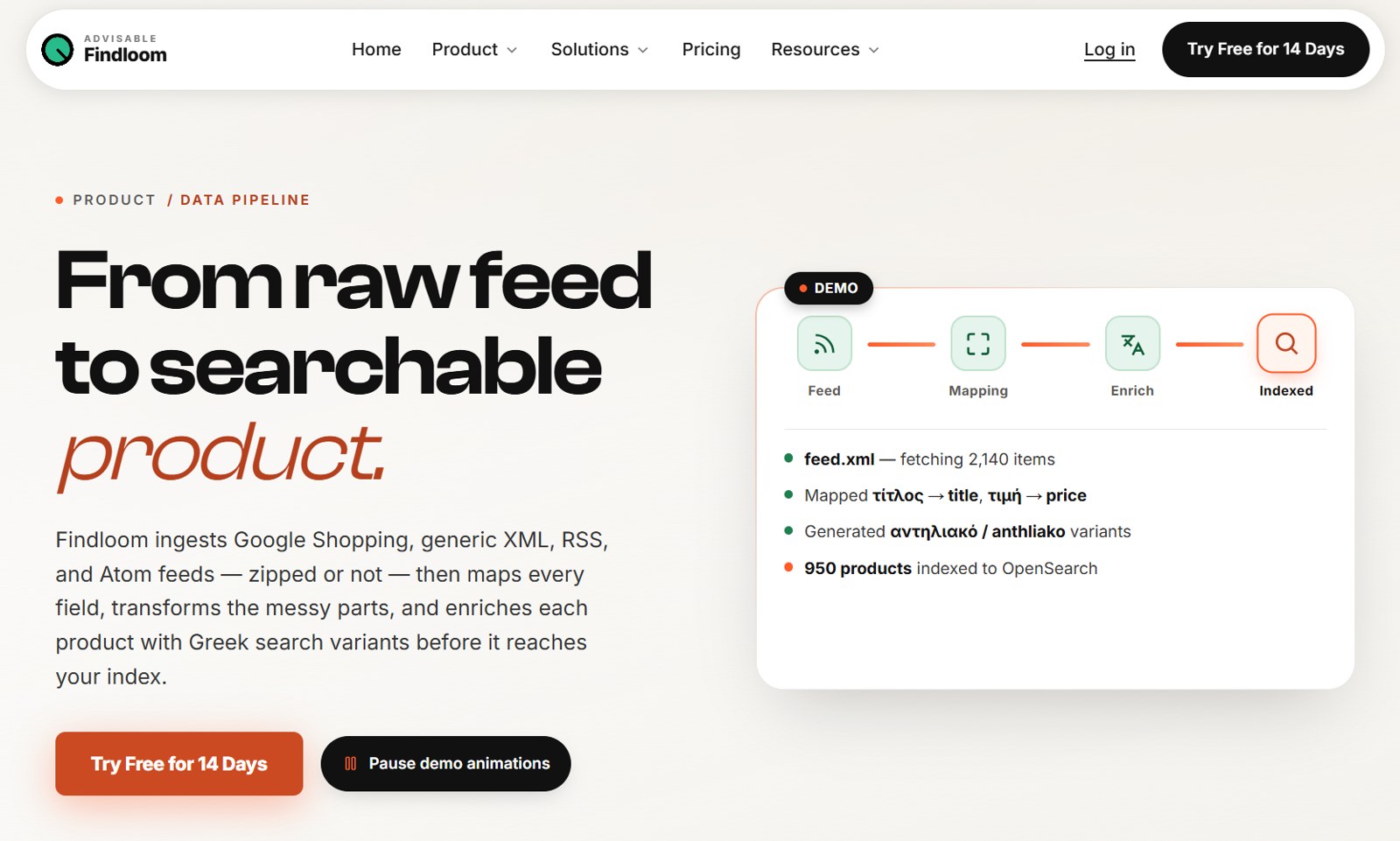
The pipeline preserves hierarchical categories, splits comma-separated or pipe-separated values into multi-value fields, and parses numeric data such as prices and quantities. Greek and Greeklish search variants are generated before products reach the index. Syncs can run on a schedule or on demand, and each run records what was added, updated or removed.
Findloom can be delivered as a hosted search page, an iframe-friendly embedded page or a JavaScript widget. The setup guide describes a three-stage flow: connect the domain and feed, copy the widget script and configure access. No coding is required to connect and index a feed, although someone may need access to the storefront template to paste the script tag. Initial indexing normally takes a few minutes for a small or medium catalog, and most stores can be searchable the same day.
Findloom does not currently offer dedicated one-click apps for Shopify, Magento, WooCommerce or PrestaShop. Those platforms need to produce a compatible feed first. The public pricing page also confirms that a public REST or GraphQL API is not currently offered.
Analytics for search decisions
Findloom Insights and Analytics shows search trends, click-through rate, zero-result queries, conversion events and the products receiving the most clicks. Zero-result queries are ranked by frequency, which gives merchants a practical list of wording gaps, missing synonyms, redirect opportunities and possible catalog issues to investigate.
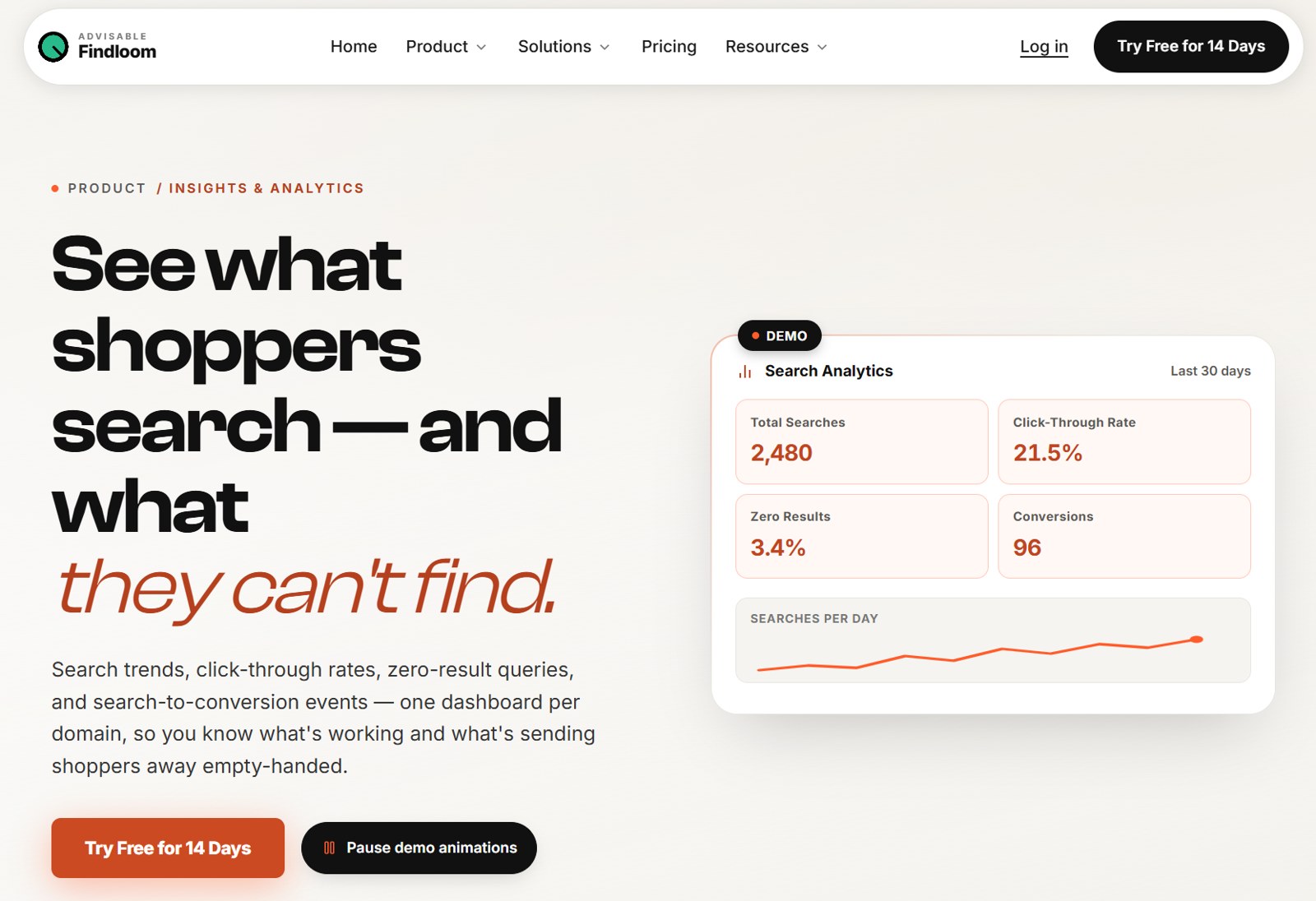
Click activity contributes to ranking signals over time. Conversion tracking follows a search-driven session to the storefront's success page and records whether the session ended in a purchase. This is event attribution, not revenue attribution. Findloom does not capture order values or claim to calculate search-generated revenue from those events.
Analytics are scoped to each domain and use a rolling 30-day window. Product click tracking is anonymous, and the platform does not currently provide cohort analysis, geographic segmentation or AI-generated recommendations from the data.
Platform operations and security
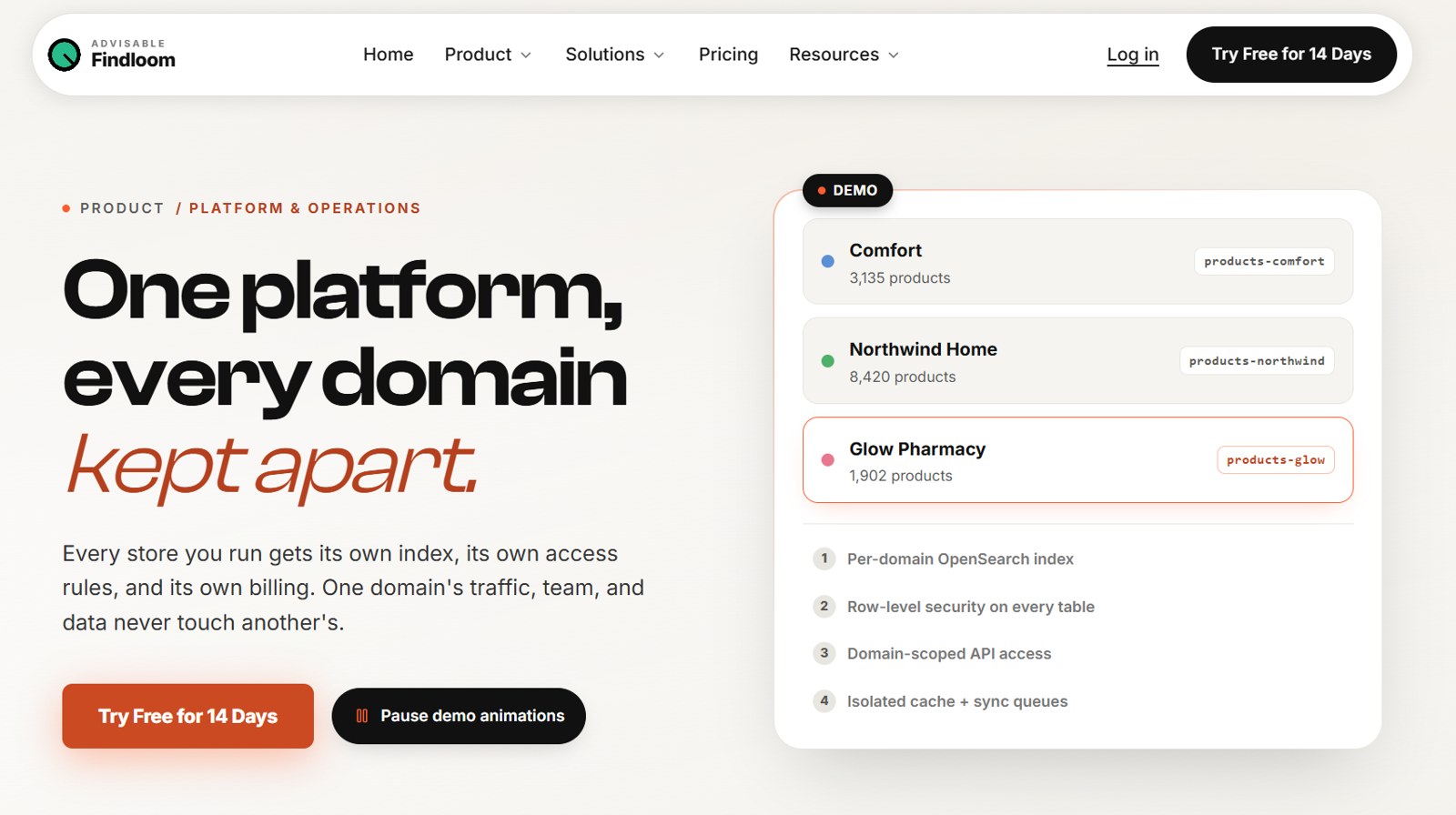
Findloom Platform and Operations gives each domain a separate OpenSearch index, cache and sync queue. Database row-level security and domain-scoped roles control access, while a read-only Super Admin mode supports account assistance.
The core search infrastructure runs in European AWS and Supabase regions. Data is encrypted in transit and at rest. AWS holds SOC 2 certification as the infrastructure provider, but Findloom does not claim an independent SOC 2 or ISO 27001 certification. Some supporting tools, including analytics services, may process data outside the European Union under the safeguards described in Findloom's privacy policy.
Findloom publishes a 50 millisecond average-response target and is designed to scale to millions of indexed products. Its own ROI calculator correctly notes that response-time and uptime figures are stated goals rather than telemetry from every customer. The Enterprise plan includes an uptime SLA.
Where Findloom fits
Findloom is best suited to stores that can supply a structured product feed and want predictable, configurable text search. It is particularly relevant to Greek and multilingual catalogs where shoppers move between Greek, Greeklish, product codes, brand names and ordinary spelling variations.
It also fits merchants that want to control search ranking without building a search stack or maintaining platform-specific integrations. Every domain receives its own index and settings, so several storefronts can be managed from one workspace while remaining operationally separate. Each additional domain has its own plan and billing.
Stores that require image search, voice search, barcode search, LLM query rewriting or AI-generated recommendations should assess other tools or wait for those capabilities to become available. Findloom's present strength is fast, explainable text search supported by clean product data and merchant-controlled rules.
A practical first week
Connect and inspect
Connect the product feed and review the proposed field mapping before publishing anything. Confirm that each product has a unique identifier and that category, brand, price, availability and filterable attributes are mapped correctly.
Test real customer language
Build a short test set from product names, product codes, common misspellings, Greek and Greeklish variants, and the terms customers use in support questions. Compare strict results with the configured fallback behaviour and add synonym groups only where the catalog language requires them.
Configure discovery and merchandising
Choose the facets that help shoppers narrow results, then add presearch content and redirects for major campaigns or destinations. Use boosts and pinned results for cases where the commercial priority is clear and can be reviewed later.
Establish a baseline
Record the initial zero-result rate, click-through rate and conversion-event count. Review the most frequent failed queries each week and decide whether each one calls for a synonym, a redirect, a feed correction or a catalog decision.
Roll out the storefront experience
Set the theme before installing the widget, confirm that the feed has completed its first sync, and then add the script to the storefront. Test the hosted or embedded experience on desktop and mobile before replacing the existing search entry point.
Start with your own catalog
Findloom currently offers a 14-day free trial for one domain with no credit card required. Plans are sized by indexed products and completed searches rather than general page views or keystrokes. The practical evaluation is simple: connect a real feed, run the searches your customers actually make and inspect the failures the current search experience hides.
If you want help before you start, our teams work on both sides of this problem: ecommerce platform development for the storefront and feed, and ERP/CRM integrations for the product data behind it.
Sources
- Google Cloud and The Harris Poll New research on search abandonment in retail
- Baymard Institute Ecommerce Search UX benchmark 2026
- Baymard Institute Strategies for improving No Results pages
- Baymard Institute Autocomplete suggestions for misspelled searches
- Walmart Global Tech Enhancing Relevance of Embedding based Retrieval at Walmart